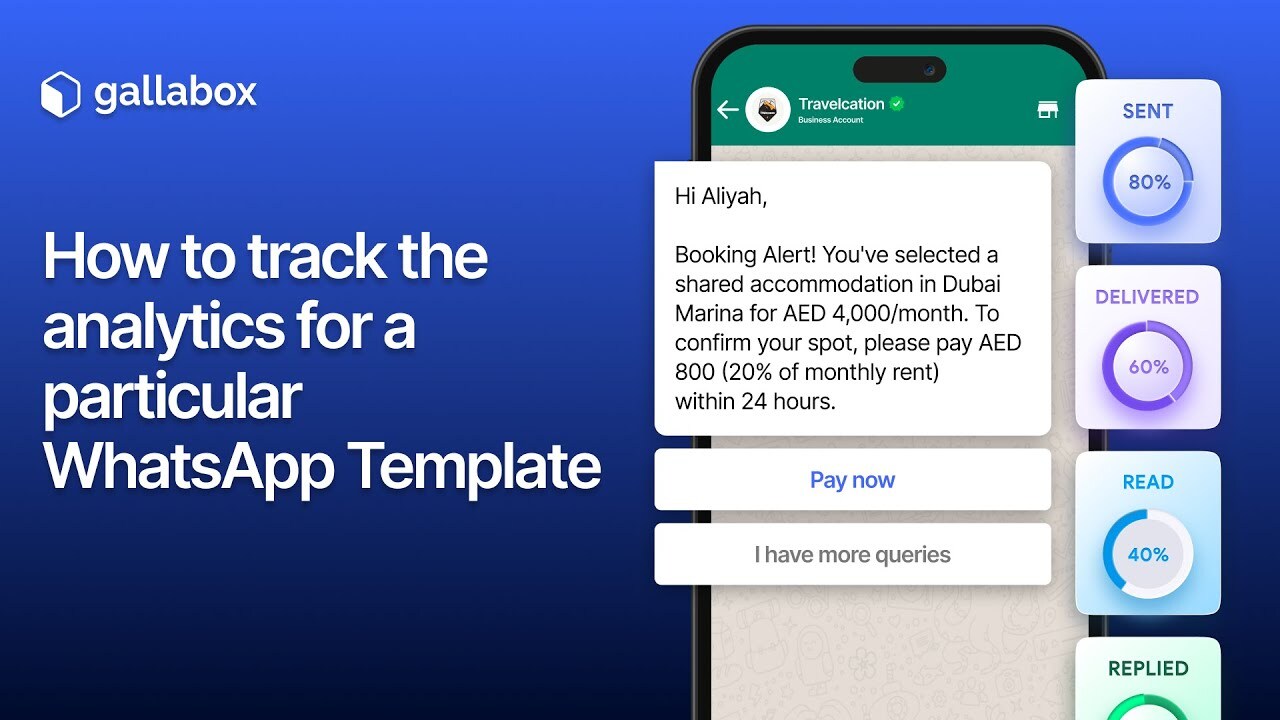

Discover how to track detailed analytics for WhatsApp templates using Gallabox's Message Tracker feature! With this tool, you can monitor key metrics like message views, responses, URL click rates, and unsubscribe rates for specific templates.
In this video, we'll guide you step-by-step through creating a Message Tracker and linking it to a WhatsApp template. You'll also learn how to view campaign stats and export logs into Excel sheets for further analysis.
Whether you're a business owner or marketer, this feature helps you optimize communication strategies and improve engagement with your audience.
Start using Gallabox today! – Get your free trial here: https://app.gallabox.com/signup?utm_source=youtube-how-to-video&utm_medium=organic&utm_campaign=message-tracker
Subscribe for more feature tutorials and product updates from Gallabox!