4 min read
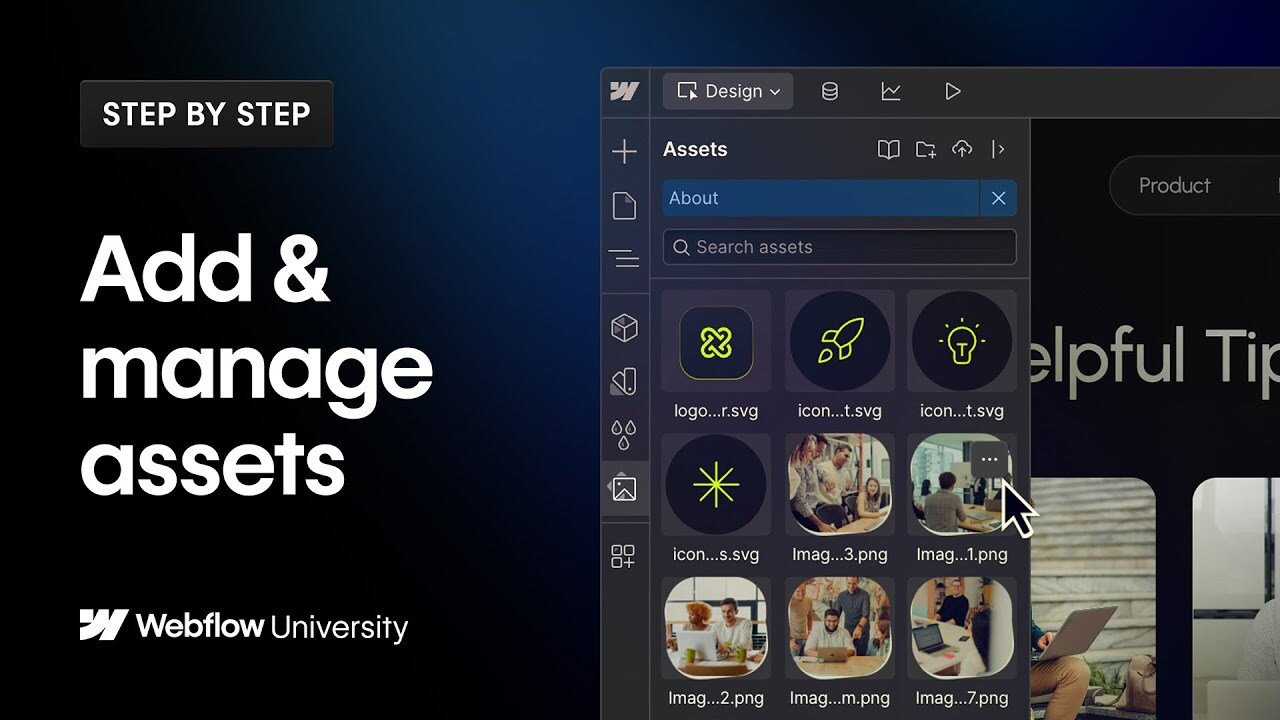
Add & manage assets

The Webflow Assets panel holds all your site's visuals and media. Learn how to upload and organize files, compress images for faster loading, add helpful alt text, and use Shared Libraries to keep brand assets consistent across projects.
00:00 - Introduction
00:26 - Adding assets
01:18 - Organizing assets with folders
01:44 - Compressing images
02:37 - Adding alt text to assets
03:09 - Sharing assets with Libraries
----------
Get started with Webflow: https://wfl.io/2r7cVUW
Join the Webflow Community: https://webflow.com/community
https://webflow.com
https://twitter.com/webflow
https://www.instagram.com/webflow
https://facebook.com/webflow
Other content from
Webflow




Featured by Webflow