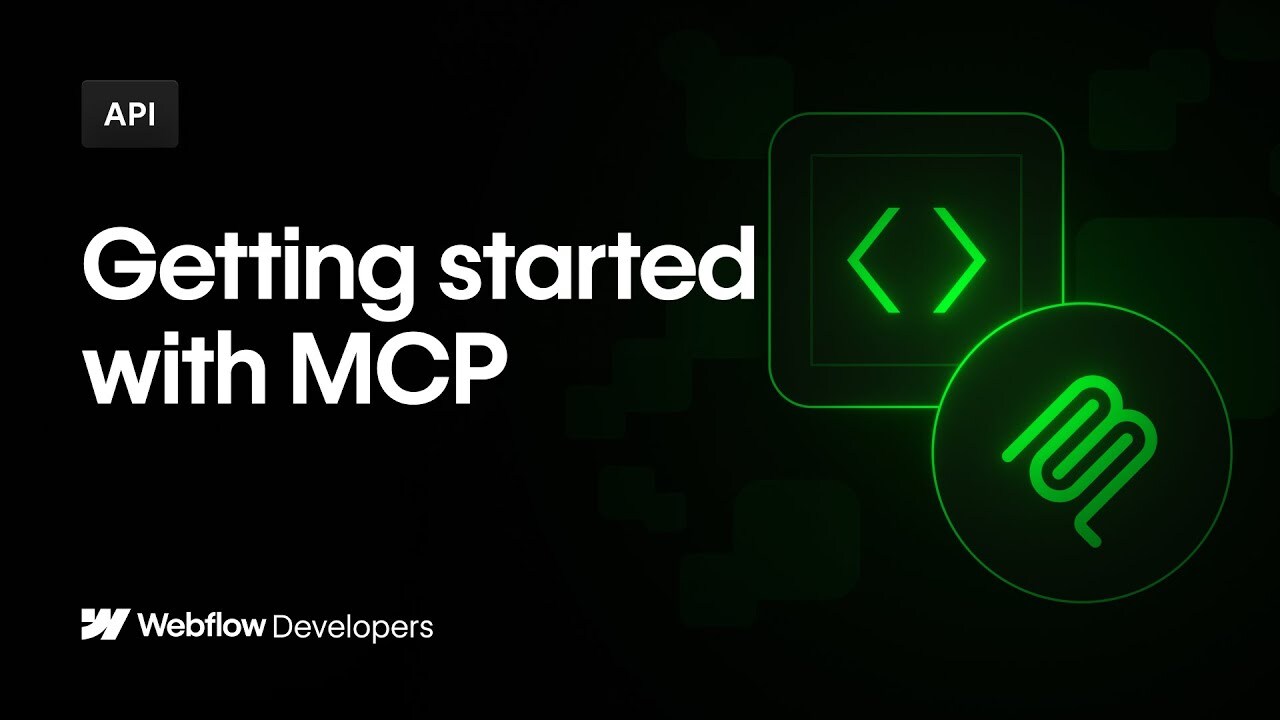

Webflow's MCP server allows you to interact with the Data APIs directly from an AI Agent - making it easier to test and develop integrations with your own data. Dive into this video to learn about MCP Servers, what you can do with Webflow's MCP sever, and some preliminary use cases to get started.
00:00 - Intro to building Webflow's MCP Server
00:28 - What is MCP
01:40 - Client Setup
03:41 - Demo: SEO Improvements
06:58 - Demo: Localization
10:25 - Demo: CMS Management
14:17 - Outro
----------
-- Webflow Documentation --
Webflow MCP server documentation: https://wfl.io/4jvkbCh
Documentation for LLMs: https://wfl.io/3G1Uwmd
Webflow Data API reference: https://wfl.io/4loVitA
-- MCP Info + Servers --
MCP totally 10x my Cursor workflow: https://www.youtube.com/watch?v=oAoigBWLZgE
MCP Explained: https://www.youtube.com/watch?v=7j_NE6Pjv-E
Sequential Thinking: https://github.com/modelcontextprotocol/servers/tree/main/src/sequentialthinking
Brave Search: https://github.com/modelcontextprotocol/servers/tree/main/src/brave-search
Join the Webflow Community: https://webflow.com/community
https://webflow.com