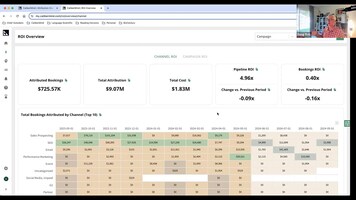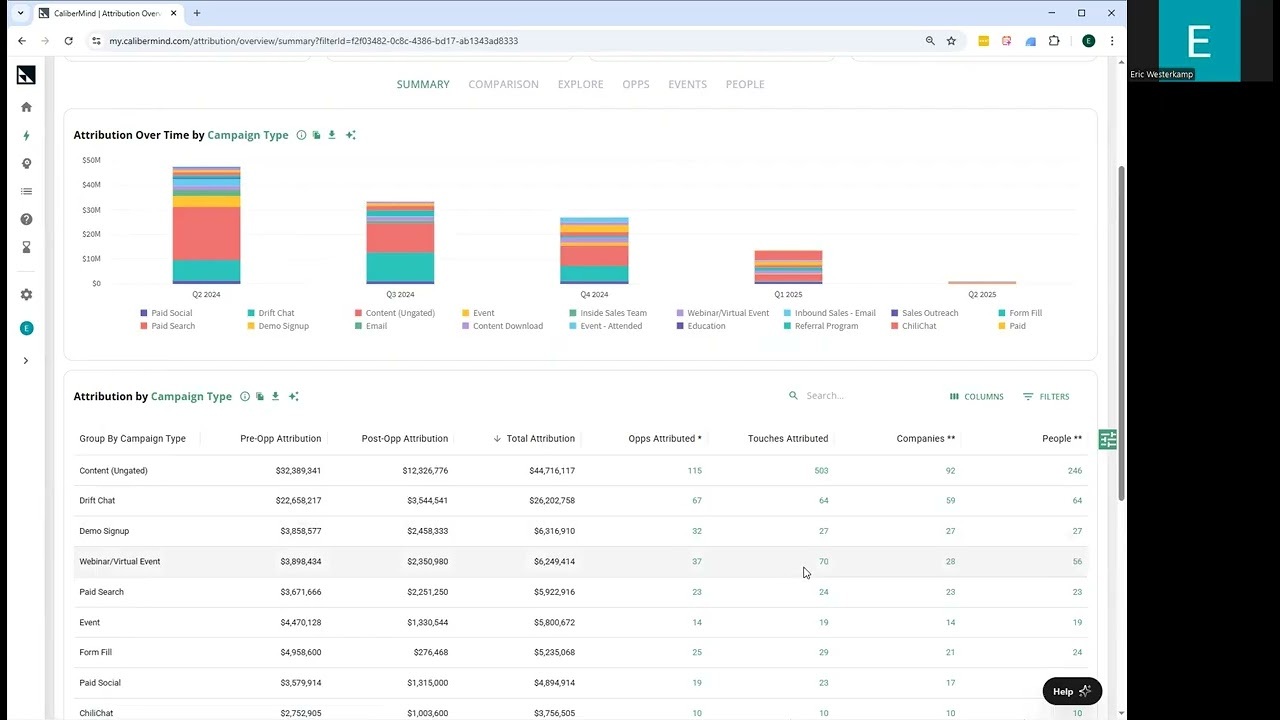

This video demonstrates how to use the CaliberMind platform to find and analyze the marketing attribution specifically related to webinars. The presenter starts in the general attribution overview report, which shows aggregated data across all channels and campaigns. They then show how to easily change the report's grouping to view attribution by "Campaign Type," allowing the user to see the overall impact of different marketing activities, including "Webinar/Virtual Event."
To isolate webinar data, the presenter applies a filter specifically for the "Webinar/Virtual Event" campaign type. Once filtered, the report displays only the attribution data (like pipeline generated, opportunities touched, etc.) driven by webinars. The video concludes by showcasing the power of further drilling down within this filtered view, allowing users to segment webinar attribution by dimensions such as Industry, Job Level, or individual Campaigns (specific webinars) to gain deeper insights into performance.